Product record
1 · One record per product
We decide what information each product needs in order to sell: name, dimensions, photo, prices. And where that information lives, which is always the same place.
Use cases · Imprex (Garza brand)
A consumer goods distributor with around 10,000 SKUs. Every customer asks for their own catalog: their products, their price list, their prices. This is how we stopped building them by hand.
Customer
Imprex · Garza brand
Catalog size
~10,000 SKUs
Together with
Sales Layer (PIM)
It isn't a technology problem. The same information lives in many places and someone has to copy it by hand.
Before
After
Inside the catalog
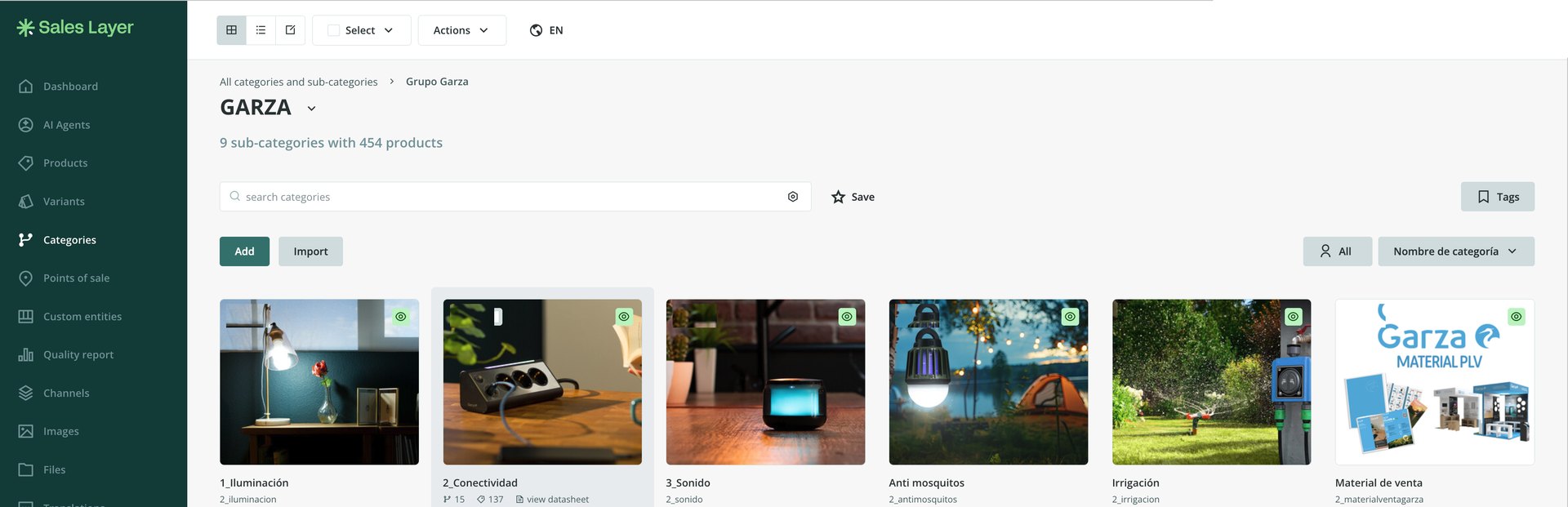
The work was done together with Sales Layer, the PIM where the catalog lives. We put the order on top of it: what information each product needs, how things are named and which rules decide what goes into each catalog.
What matters
The sales team doesn't build catalogs: they choose who to send one to. Your business rules decide the rest. Click a customer to see it.
2026 Catalog
Illustrative: sample customers and figures.
The rules behind it
These rules are written once. From then on, adding a new customer means choosing their terms, not building another catalog from scratch.
Product record
We decide what information each product needs in order to sell: name, dimensions, photo, prices. And where that information lives, which is always the same place.
What your team already knows by heart (which customer buys what and at what price) gets written down once. It stops living in three people's heads.
The photo finds its record
The designer saves the image with the agreed name and it shows up on its own, on the right product's record. Nobody drags files around or asks “whose photo was this?”.
Producing a catalog for a new customer stops being a project and becomes a commercial decision: you choose their terms and out it comes.
Sales reps stop chasing prices and photos over email, because there's one place to look and that place is right. And once the catalog is in order, it feeds what comes next: the website, the marketplace, the customer who asks for their own file.
That same order is what later lets you ask your data questions and trust the answer. First you put it in order; then you ask.
If you send different catalogs or price lists to each customer, this can be built on what you already have. We start by looking at your sources and telling you what's needed.